



Home
167 TV channels
Price list
Order
FAQ
Try for 1 Kč
Log in
+420 597 010 131
+421 233 323 473
Lepší.TV is a modern way of watching TV. Watch anytime you want, anywhere you are. All you need is an internet connection and at least one of the following: Lepší.TV Box, PC, Smart TV, phone or tablet. And how flexible are you? A lot. Pause live content, rewind boring parts, and record unlimited amount of shows.
Some of the many advantages of LEPŠÍ.TV:
- the lowest price on the market
- unlimited recording
- timeshift up to 30 days back
- pause and rewind while watching
- 167 stations including premium once in the base price
- Very user-friendly
- First month for a symbolic price 1 CZK including HBO package
- TV library with 5 213 of the best movies, series, documents and shows
- LEPŠÍ.TV Box will turn your TV into a computer
- lowest requirements in relation to the speed of your Internet
- works on TV, phone, tablet and your computer
But there is many more amazing features! Try one month for 1 CZK - there is no doubt that you will fall in love with it. See other advantages here
You can order the service at www.lepší.tv and the procedure is simple.
1. Choose a Lepší.TV package and optionally add HBO, additional services or Lepší.TV box
2. Fill in your email and password
3. Choose a payment method and pay the amount
TIP: For immediate activation of the services, we recommend payment via credit card.
In order to activate your Lepší.TV services we first need to receive the payment. Please note, that processing time (provided in brackets) of each payment might vary depending on your selected method.
Processing times for each method:
Bank transfer (3-4 days)
Payment Card (usually instant)
Twisto (when confirmed)
Bank draft (could take 4-7 days)
By phone T-Mobile, Vodafone, O2 (up to 5 hodin)
QR code (up to 3 days)
Make sure to pay the exact amount provided in My Services along with the correct Variable symbol. Mistake in doing so could prevent the activation.
If you encounter a delay longer than what's displayed along with your chosen payment method, please send us a copy of your payment receipt and we will help.
Under the log-in form on the lepší.tv website, click on the "I forgot my password", where you fill one or more of the credentials. In case of losing your credentials, contact the Lepší.TV support service.
Yes, you do. When you activate the LEPŠÍ.TV service at full price, you have a monthly money-back guarantee. However, when using the 1 CZK promotion, this guarantee does not apply to further payments. LEPŠÍ.TV is provided without a contract and is therefore not subject to the 14-day statutory withdrawal period.
Here, in Lepší.TV, we accept many different payment methods to make things easier for our customers. Please note, that processing time (in brackets) of each payment might vary depending on your selected method.
Choose your favourite one:
Bank transfer (3-4 days)
Payment Card (usually instant)
Twisto (when confirmed)
Bank draft (could take 4-7 days)
By phone T-Mobile, Vodafone, O2 (up to 5 hodin)
QR code (up to 3 working days)
However, if you include Lepší.TV box to your order, the only acceptable payment method is a bank card.
Please be sure to send the exact amount without a delay. Also, add a correct variable symbol when using bank transfer. These errors might prevent the activation of our service.
LEPŠÍ.TV can be watched all over the EU. Broadcasting also works when traveling abroad, all you need is an Internet connection and you won't miss anything.
The decision to block the channels outside of the European Union wasn't our initiative. We are sorry to hear you are not allowed to watch our TV from outside of the EU. To cancel your subscription, please log in and go to the personal settings. You will find the option to cancel the periodical payments at the bottom of the page. Please remember to save the changes.
Lepší.TV offers up to 167 TV channels. At the link below you will find the complete program offer of CZ packages including information on how many days back you can watch which station.
Overview of TV channels.
SURE THING! You can watch on 3 devices at the same time! Whether you pick TV, Laptop, tablet or phone, the extra cost for each device is 99 Kč/month
If you wish to add a device, please:
Log into Lepší.TV
Got to My services on your dashboard
Select Watch on another device simultaneously
And pick how many devices you would like to add
You can watch on all the devices connected to your Home network at the same time. If you’re out of the house and on the go, you can also watch from up to three different mobile devices! Enjoy!
There are three ways to install the Lepší TV application:
1. The application is on the TV. If our application is among the applications on the TV (you can find it using the house on the remote control), just click on the application and after launching the application, log in to it and you can start watching Lepší TV.
2. The application is not on the TV. If you cannot find the application among the applications on the TV, open the application store on the TV (Google Play, LG content, etc.). We usually get to the application store via the APPS icon. Then search for the application and install it. After installation, the procedure is the same as in step 1.
3. The application is not available on the TV or in the store. For Android TV, you can download the application directly from our website. Upload the application to a USB drive or external hard drive and then install it on the TV. When the application appears in the menu, follow step 1.
If none of the methods allow you to install the application, you can use our services through the device's built-in web browser or we recommend purchasing and connecting our LEPŠÍ.TV BOX, which will allow you to enjoy all the unmatched features in a very simple way!
You can watch LEPŠÍ.TV on any device that is connected to a sufficiently fast internet connection. We support these devices:
The condition is that the device can be connected to the internet.
You can see the complete list of supported devices in the " Supported devices " section.
You can change a number of functions in the LEPŠÍ.TV application.
For example:
You can also read some control functions in the LEPŠÍ.TV BOX Manual .
Sure it is! Just select the option "I don't need Lepší.TV box" in your order.
The type of internet connection does not matter. LEPŠÍ.TV will work with any connection, whether at home or on the go. Thanks to the use of the latest technologies and the HEVC/H.265 codec, we are able to achieve smooth and stable playback without stuttering even at low internet speeds.
For smooth playback, we recommend the following minimum speed:
Standard image quality: 1.2 Mbps
HD resolution: 3 Mbps
FULL HD: 5 Mbps
Do you also provide internet access?
We do not provide internet connection. However, LEPŠÍ.TV will work with internet from any provider.
Have you missed your favourite TV programme again? With Lepší.TV, that doesn't matter at all! Just play it again via the playback function which enables you to watch TV shows from up to 30 past days. You can find further information in the manual.
Recording works simply and in a few seconds. In Lepší.TV you choose a program that you like and want to save for later. You record it by pressing the red button on the remote control or by clicking the Record button in the case of a PC, mobile phone, tablet or simple remote control. This recorded program will appear in the "My recordings" section and will be available to you for 30 days from the date of the broadcast of the program.
With the Klasik and TOP packages, you can record an unlimited number of programs. Recorded programs cannot be downloaded.
With the MINI package, you can record 20 programs.
No. LEPŠÍ.TV is completely without obligation, so you are not bound by long contracts.
Simply choose the type of service and any subscription length when placing your order .
Then you choose your payment method and before you know it, your services are active!
Yes, through LEPŠÍ.TV you can watch programs in SD , HD and Full HD quality. Some stations even broadcast in 4K quality.
For broadcasting in Full HD quality, we are one of the few to use the H.265 codec, which requires a minimum data rate of 3 Mbit/s for a perfect image.
In practice, this means that even if you watch programs in Full HD quality, you don't burden your internet connection.
You can adjust the quality while the program is being broadcast by pressing the 0 button on your remote control. In the app or web browser, click on the settings (gear) and select the desired quality.
We recommend watching on a PC via a web browser. For greater convenience when watching LEPŠÍ.TV, we have set the H.264 codec to HD quality so that you can enjoy the image here as well.
From 02/2024, LEPŠÍ.TV now allows you to set the image quality up to Full HD resolution in the latest versions of the Chrome, Edge and Opera web browsers. Your favorite shows will look great thanks to the sharper and more detailed image. Full HD resolution support is only possible if the computer hardware supports the HEVC decoder.
When you click on the station link on our website, you will find information about the highest available broadcast quality for each of them.
In case you would like to remove HBO & Cinemax package, please follow these steps:
Here you can freely add or remove the HBO & Cinemax Package.
To subscribe for another period or new services, click HERE
Payment details can be found below, but be sure to fill in the correct Variable Symbol so that the payment is assigned to your account.
CZ:
Account number: 2900628695
Bank code: 2010
IBAN: CZ3420100000002900628695
BIC/SWIFT: FIOBCZPPXXX
EUR:
Account number: 2401199873
Bank code: 2010
IBAN: CZ3820100000002401199873
BIC/SWIFT: FIOBCZPPXXX
ADDRESS:
Lepší.TV
Úprkova 1/25
702 00 Ostrava 2
No, for legal reasons it is not possible to have a Czech and Slovak program offer. If you want the Czech offer, you will lose these: Markíza, Joj and Doma, and if you want the Slovak offer, you will lose Nova and Primy stations.
Most likely not. Watching the IPTV on a tablet, mobile phone or PC is not a subject to fees: "Equipment technically capable of individually selectable reproduction of television broadcasts only if transmitted other than by means of transmitters or satellite and cable systems."
This is not possible with the initial order. First, you need to subscribe to one of the basic packages - MINI, KLASIK or TOP. You can add the HBO package to it, which will give you HBO, HBO 2, HBO 3, Cinemax 1 and 2 and access to the HBO Max video library.
The HBO package can be ordered separately only from the second month. In the "My services" section, just cancel the Lepší.TV subscription and subscribe only to the HBO package.
We deliver the Lepší.TV BOX package to your home by GLS courier, or to your nearest post office by Czech Post. You can also choose to send the package using the Zásilkovna service.
GLS will deliver the package to you between 8:00 and 17:00. You will be contacted by phone about the exact delivery time. We will inform the carrier about the package being handed over to the carrier by email and SMS. We will send the order as soon as the amount you sent is credited to our account.
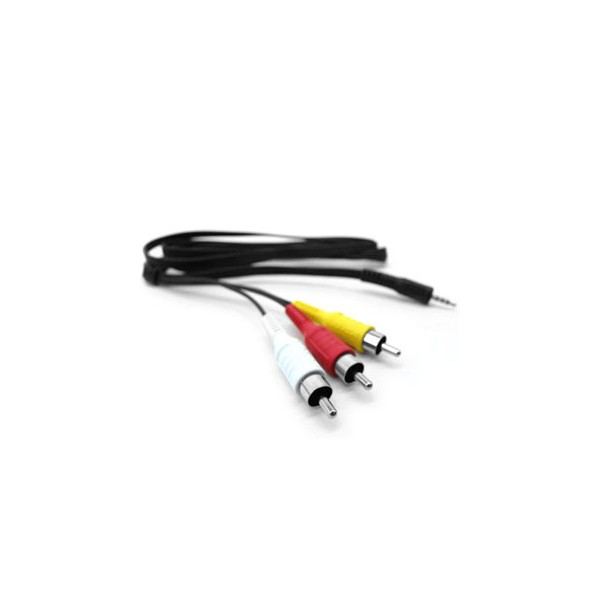
You could also use AV cable, but the quality would be noticeably decreased.
LEPŠÍ.TV BOX can only be connected to one TV at a time. If you do not have a Smart TV, you need to purchase as many LEPŠÍ.TV BOXes as you want to watch LEPŠÍ.TV on.
The simultaneous viewing service called Watching on up to 3 devices simultaneously is then charged at 99 Kč per month. You can order this additional service in the My Services section.
For the maximum amount of comfort, it is possible to connect a wireless mouse or keyboard or a keyboard with a touchpad, which will then be connected to the TV box via a wireless connection. The connection can also be done with USB. However, the wireless option is more comfortable due to the distance between the TV and your desired place.
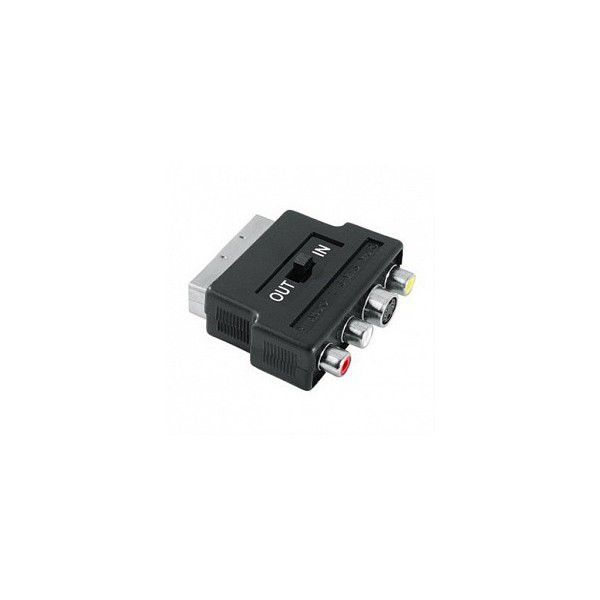
In many cases you would only need Lepší.TV App to start watching TV. However, it might happen that some TVs won't support it and that's when our TV box comes on scene - it allows you to use the service on TVs that are not among the supported devices. Thanks to the AV or HDMI inputs it is possible to use Lepší.TV box on all types of TVs, including older models. The connection is very easy and intuitive.
About Reviews from our customers Terms and conditions Supported devices For partners Cookies Contact Buy voucher